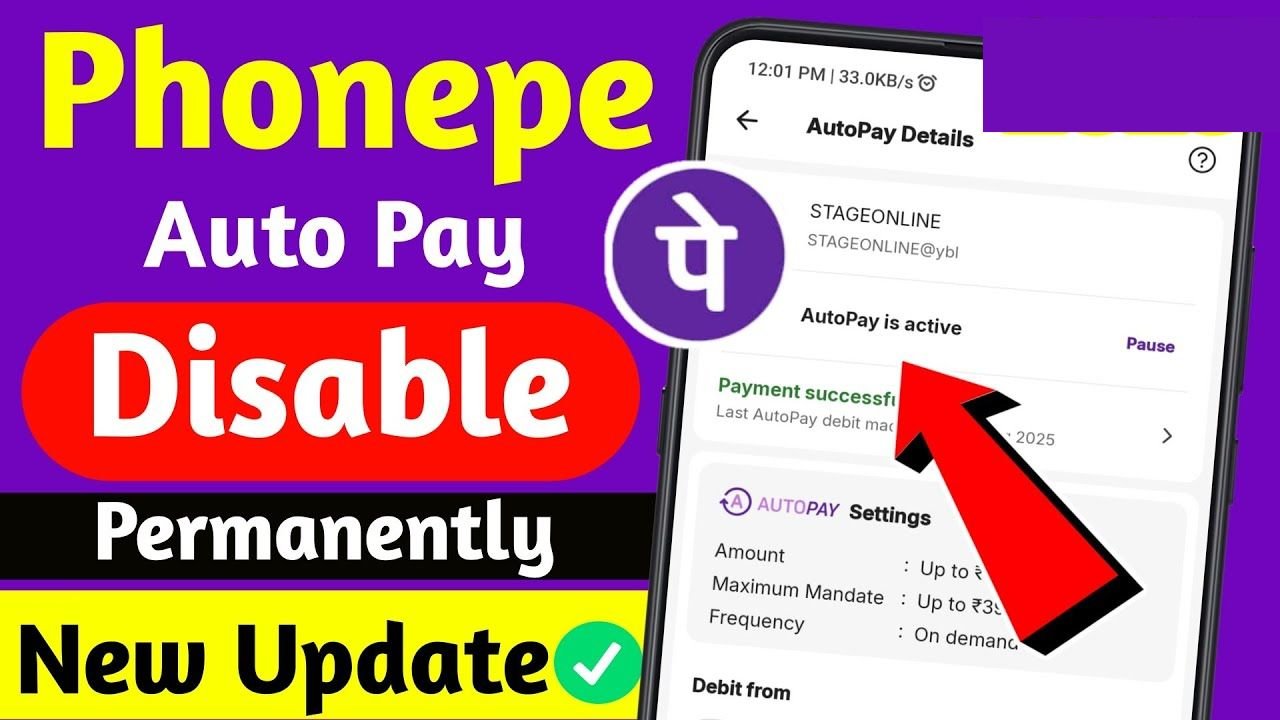
If you’ve set up automatic payments for OTT subscriptions, SIPs, loan EMIs, or utility bills and now want to cancel them, you might be searching for “how to stop autopay in PhonePe permanently.”
This guide explains the exact steps to cancel AutoPay mandates in PhonePe safely and permanently.
Whether it’s a UPI mandate or a subscription-based recurring payment, follow the steps below to stop future deductions instantly.
What Is AutoPay in PhonePe?
AutoPay (also called a UPI mandate) allows merchants to automatically deduct money from your bank account on a fixed schedule. It’s commonly used for:
- OTT subscriptions (monthly/yearly)
- SIP investments
- Loan EMIs
- Insurance premiums
- Mobile/DTH recharges
- Utility bills
Once approved, payments are deducted automatically until you cancel the mandate.
How to Stop AutoPay in PhonePe Permanently (Android & iPhone)
Follow these updated steps:
✅ Step 1: Open the PhonePe App
Launch the PhonePe app on your smartphone.
✅ Step 2: Go to Profile
Tap on your profile icon in the top corner.
✅ Step 3: Select “Autopay” / “Mandates”
Scroll and tap on Autopay or UPI Mandates.
✅ Step 4: Choose the Active Mandate
You’ll see a list of active subscriptions and mandates. Select the one you want to cancel.
✅ Step 5: Tap “Cancel Autopay”
Click on Cancel, Revoke, or Pause Mandate.
✅ Step 6: Confirm Cancellation
Enter your UPI PIN to confirm.
✔ Once confirmed, the AutoPay will be permanently stopped, and no further deductions will occur.
How to Check If AutoPay Is SuccessfullyStoped?
After cancellation:
- The mandate status should show as Paused
- You may receive an SMS from your bank confirming the cancellation
- The merchant will no longer be able to auto-debit
If the status still shows “Active,” refresh the app or check after a few minutes.
Final Words
Stopping AutoPay in PhonePe is simple and takes less than two minutes if you follow the correct steps. Always review your active mandates regularly to avoid unwanted deductions.
If you’re managing multiple subscriptions, consider tracking them monthly to keep your finances organized and secure.