
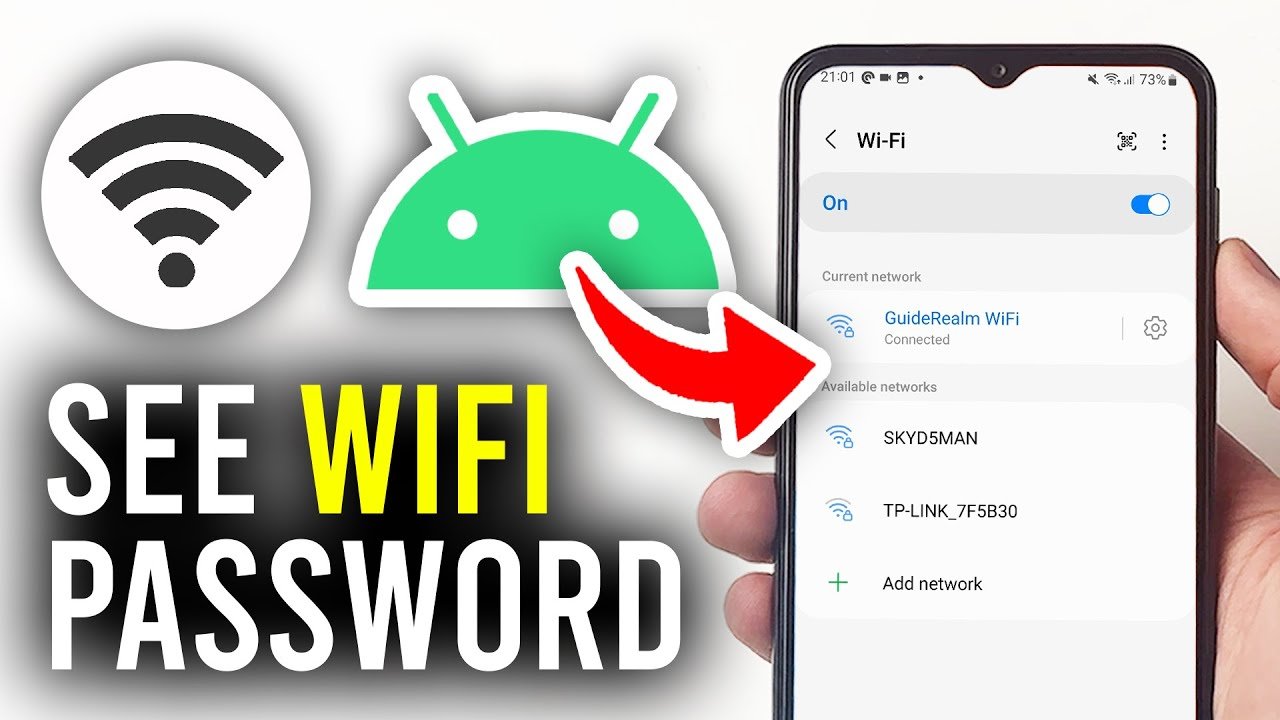
How to check wifi password in mobile: In today’s digital world, WiFi has become an essential part of every home and office. Sometimes we forget our own WiFi password, or we want to connect a new device but can’t remember the password.
If you’re searching for “how to know wifi password in mobile”, this updated and detailed guide will help you step by step.
In this article, you’ll learn safe and legal methods to view your WiFi password on both Android and iPhone devices.
1. How to know WiFi Password on Android Mobile?
If your phone is running Android 10 or above, you can easily view the saved WiFi password without installing any third-party apps.
Step-by-Step Process:
- Open Settings on your phone
- Tap on Network & Internet
- Select WiFi
- Tap on the WiFi network you are currently connected to
- Click on the Share option
- Verify your phone lock (PIN, Pattern, or Fingerprint)
You will now see a QR Code, and just below it, the WiFi password will be displayed in plain text.
👉 This method works without rooting your device.
2. How to Check WiFi Password on iPhone?
If you are using an iPhone with iOS 16 or later, checking the WiFi password is very simple.
Steps to View WiFi Password on iPhone:
- Open Settings
- Tap on WiFi
- Tap the “i” icon next to the connected WiFi network
- Tap on Password
- Verify using Face ID, Touch ID, or passcode
Your WiFi password will now be visible on the screen.
3. What If You Are Not Connected to WiFi?
If you are not currently connected and have forgotten the password, you can check it through your WiFi router settings.
How to Find WiFi Password from Router:
- Open a browser on your mobile
- Type 192.168.1.1 or 192.168.0.1 in the address bar
- Enter the router’s username and password
- Go to Wireless Settings or WiFi Settings
- You can view or reset the password there
⚠️ Router login details are usually printed on a sticker at the back of the router.
4. Can You Find Someone Else’s WiFi Password?
This is a very common question. Many apps and websites claim that you can hack or find someone else’s WiFi password.
However:
- Hacking WiFi is illegal
- It can lead to serious legal trouble
- Such apps may contain malware or viruses
Always use only legal and authorized methods to access WiFi networks.
5. How to Share WiFi Using QR Code?
If you don’t want to type or tell the password, you can share WiFi using a QR code.
Both Android and iPhone support WiFi QR sharing. The other person just needs to scan the QR code, and the device will connect automatically.
This method is fast, secure, and convenient.
6. How to Avoid Forgetting WiFi Password in the Future?
To prevent this issue:
- Save your password in a secure notes app
- Enable password sync with your Google or Apple account
- Use a strong but memorable password
- Use a trusted password manager
🔥 Important Security Tips
✔ Use a VPN while connecting to public WiFi
✔ Change your WiFi password every 3–6 months
✔ Use WPA3 or at least WPA2 security
✔ Remove unknown devices from your router
Conclusion
Now you know how to know WiFi password in mobile in a simple and safe way. Whether you are using Android or iPhone, both offer built-in options to view saved WiFi passwords.
Always remember to access only your own or authorized networks. Using illegal methods to hack WiFi can cause serious legal consequences.
Stay updated with more helpful tech guides to make your digital life easier and safer. 🚀



Hi, this is a comment.
To get started with moderating, editing, and deleting comments, please visit the Comments screen in the dashboard.
Commenter avatars come from Gravatar.